Add Someone to a Family Photo Without Looking Pasted In
Add a missing relative or loved one to an existing family image while matching lighting, scale and scene naturally.
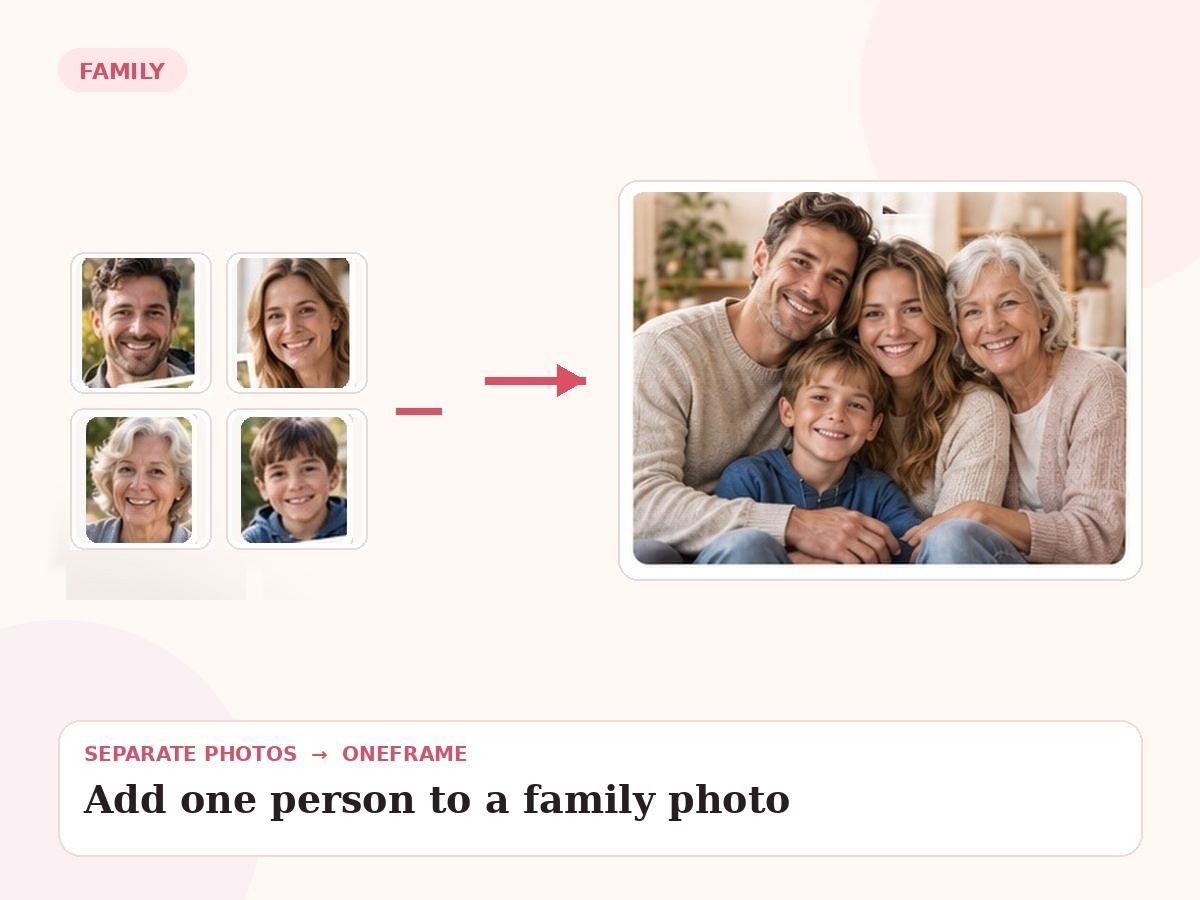
Why this use case matters
The hard part is not insertion itself. The added person has to match the group’s scale, camera angle, lighting and body language so they do not look pasted on.
People also search for related needs such as add someone to family photo, insert person into group photo, add family member to photo. OneFrame keeps the workflow simple: the source photos can be separate, the final portrait is created as one cohesive image, and you review a watermarked preview before paying.
Three ways people use OneFrame for this
These examples are specific to this search intent—not generic filler copied across every page.
Add a relative who arrived late
Use the group image plus a clear reference of the person who missed the photo.
Complete a holiday photo
Add a family member who could not travel for the gathering.
Repair a meaningful group image
Re-create the image with the missing person placed naturally beside the people closest to them.
Designed to look like one moment, not a collage.
Specific editing task. The final image is guided by your source photos and your instructions about relationships, setting, placement and mood.
How it works
Upload references
Add clear photos and label who is who.
Describe the moment
Tell us the scene, relationship, pose or detail that matters.
We create the portrait
Your separate references are composed into one new image.
Preview before paying
Review a watermarked preview; buy only if you want the final.
Photo tips for this use case
Upload the best-quality version of the existing group photo.
Use a reference with a visible face and similar age to the desired result.
Tell us exactly where the person should appear.
Mention clothing preferences if the reference outfit should not be reused.
- 1 high-resolution portrait
- Up to 6 people or pets
- 2 revision rounds
- Digital delivery
Add Someone to My Photo
Choose any use case for inspiration, then use one shared creation page to upload 2–6 photos and describe the moment you want us to create.
Start my free preview →Frequently asked questions
Every answer is visible on the page so both visitors and search engines can understand the content without opening hidden panels.
Will the original photo be edited directly?
The result is typically a newly generated image based on your references, designed to preserve the look of the original scene.
Can I choose where the person goes?
Yes. Placement instructions are welcome.
Can you match clothing?
We can aim for clothing that fits the scene, including coordinated or formal outfits.
What if the reference photo is old?
Older references can work, though clearer facial detail usually gives a stronger result.