Bring the Whole Extended Family Into One Portrait
Combine grandparents, siblings, cousins and in-laws from separate photos into one organized extended-family portrait.
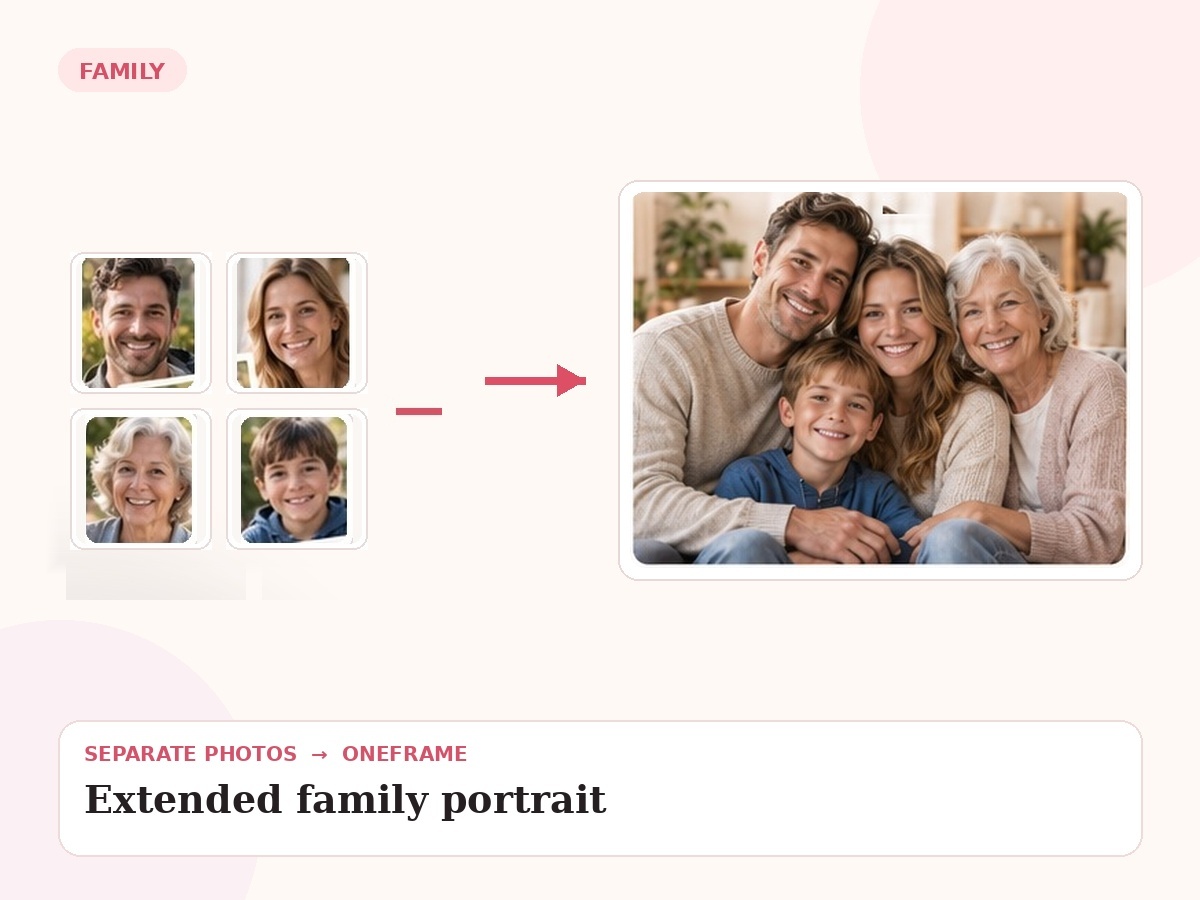
Why this use case matters
Large groups need structure. The final image has to balance households, preserve recognizable faces and keep the composition readable at both screen and print sizes.
People also search for related needs such as large family portrait, extended family photo, combine cousins grandparents family portrait. OneFrame keeps the workflow simple: the source photos can be separate, the final portrait is created as one cohesive image, and you review a watermarked preview before paying.
Three ways people use OneFrame for this
These examples are specific to this search intent—not generic filler copied across every page.
Several households
Combine the best photo from each household into one extended-family portrait.
Cousins and grandparents
Bring a larger branch of the family into one balanced group.
Holiday or anniversary keepsake
Create a portrait when arranging a full-family photo session is unrealistic.
Designed to look like one moment, not a collage.
Large-group need. The final image is guided by your source photos and your instructions about relationships, setting, placement and mood.
How it works
Upload references
Add clear photos and label who is who.
Describe the moment
Tell us the scene, relationship, pose or detail that matters.
We create the portrait
Your separate references are composed into one new image.
Preview before paying
Review a watermarked preview; buy only if you want the final.
Photo tips for this use case
Group source photos by household in your notes.
Label every person clearly to avoid ambiguity.
Choose references with consistent age and appearance.
For large groups, landscape orientation is usually more flexible.
- 1 high-resolution portrait
- Up to 6 people or pets
- 2 revision rounds
- Digital delivery
Create an Extended Family Portrait
Choose any use case for inspiration, then use one shared creation page to upload 2–6 photos and describe the moment you want us to create.
Start my free preview →Frequently asked questions
Every answer is visible on the page so both visitors and search engines can understand the content without opening hidden panels.
Can you combine several household photos?
Yes. That is a common way to build an extended-family portrait.
Will faces become too small?
The final layout should be chosen with the number of people and intended display size in mind.
Can pets be included too?
Yes, if the composition remains readable.
What orientation is best?
Landscape or wide square formats usually give larger groups more room.