Bring Old and New Family Photos Together in One Portrait
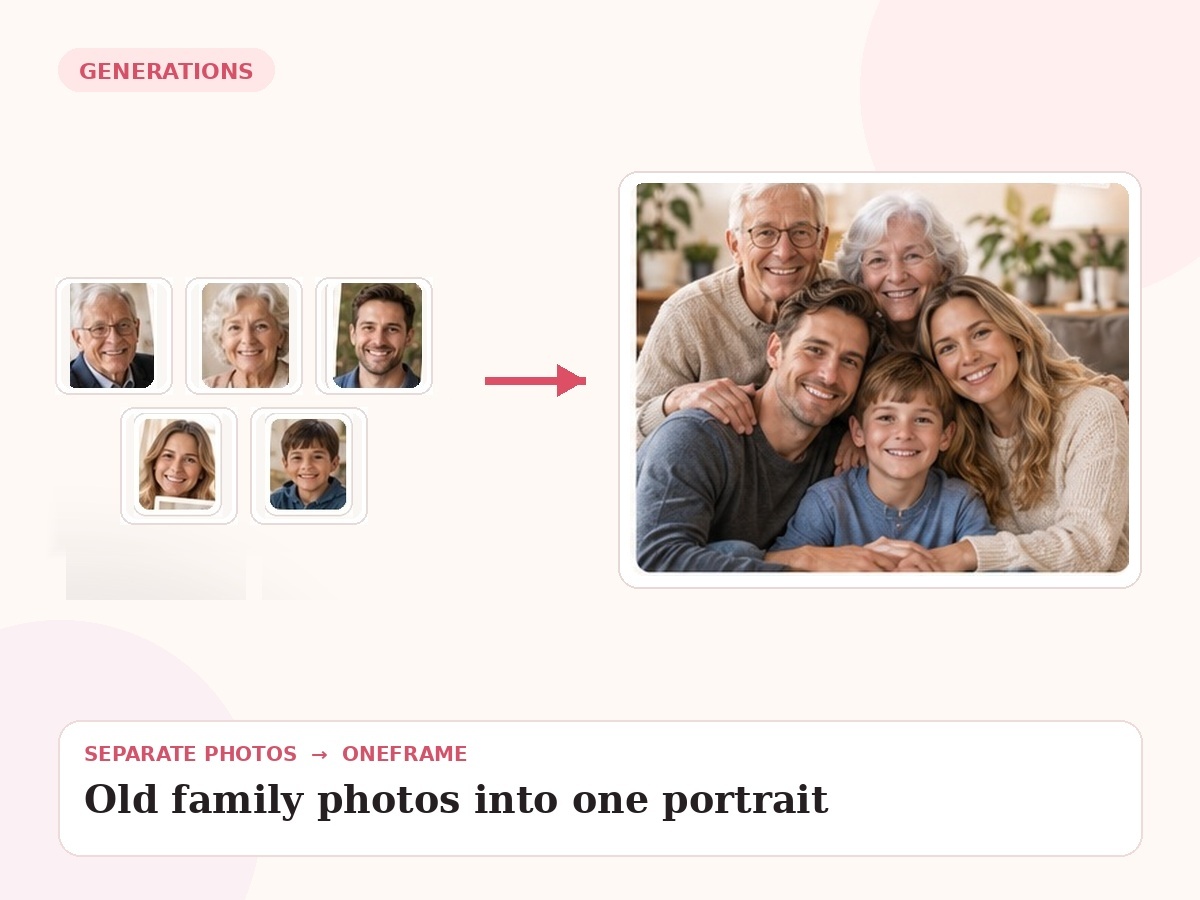
Combine scanned or vintage family photos with newer portraits to create a single multi-generation keepsake.
Why this use case matters
Older sources bring special challenges: low resolution, scratches, monochrome images and very different camera styles. The final portrait should harmonize these sources without pretending the result is an original historical photograph.
People also search for related needs such as merge old family photos, old and new family photos together, ancestors family portrait. OneFrame keeps the workflow simple: the source photos can be separate, the final portrait is created as one cohesive image, and you review a watermarked preview before paying.
Three ways people use OneFrame for this
These examples are specific to this search intent—not generic filler copied across every page.
Ancestors with current family
Bring older relatives into a present-day generational portrait.
Several vintage portraits together
Combine separate archival images into one family-history composition.
Old and new in one keepsake
Create a visual bridge between family history and the current generation.
Designed to look like one moment, not a collage.
Family history / legacy intent. The final image is guided by your source photos and your instructions about relationships, setting, placement and mood.
How it works
Upload references
Add clear photos and label who is who.
Describe the moment
Tell us the scene, relationship, pose or detail that matters.
We create the portrait
Your separate references are composed into one new image.
Preview before paying
Review a watermarked preview; buy only if you want the final.
Photo tips for this use case
Scan prints at the highest practical resolution.
Photograph old prints straight-on in even light if scanning is not available.
Upload the least damaged version of each face.
Tell us whether you prefer a modern color portrait or a more timeless treatment.
- 1 high-resolution portrait
- Up to 6 people or pets
- 2 revision rounds
- Digital delivery
Create a Family Legacy Portrait
Choose any use case for inspiration, then use one shared creation page to upload 2–6 photos and describe the moment you want us to create.
Start my free preview →Frequently asked questions
Every answer is visible on the page so both visitors and search engines can understand the content without opening hidden panels.
Can damaged old photos be used?
Sometimes, but clearer source detail improves the result.
Can black-and-white and color images be combined?
Yes.
Is the result a restored historical photograph?
No. It is a newly generated portrait based on historical references.
Can ancestors and children appear together?
Yes.